 Skillbook
The lifecycle layer for AI skills.
One home for your AI assistant skills.
Author, deploy, and distill skills across Claude Code, Cursor, and Windsurf - all git-native, bidirectional, and local. Write once, symlink everywhere. No telemetry, no servers.
Trouble downloading? Get it from Google Drive
 Claude Code
 Cursor
 Windsurf
Everything you need to manage skills
Built for engineers who use more than one AI assistant and don't want their work scattered across folders.
Deploy once, use everywhere
CLAUDE.md manager New
Generate & enhance with AI
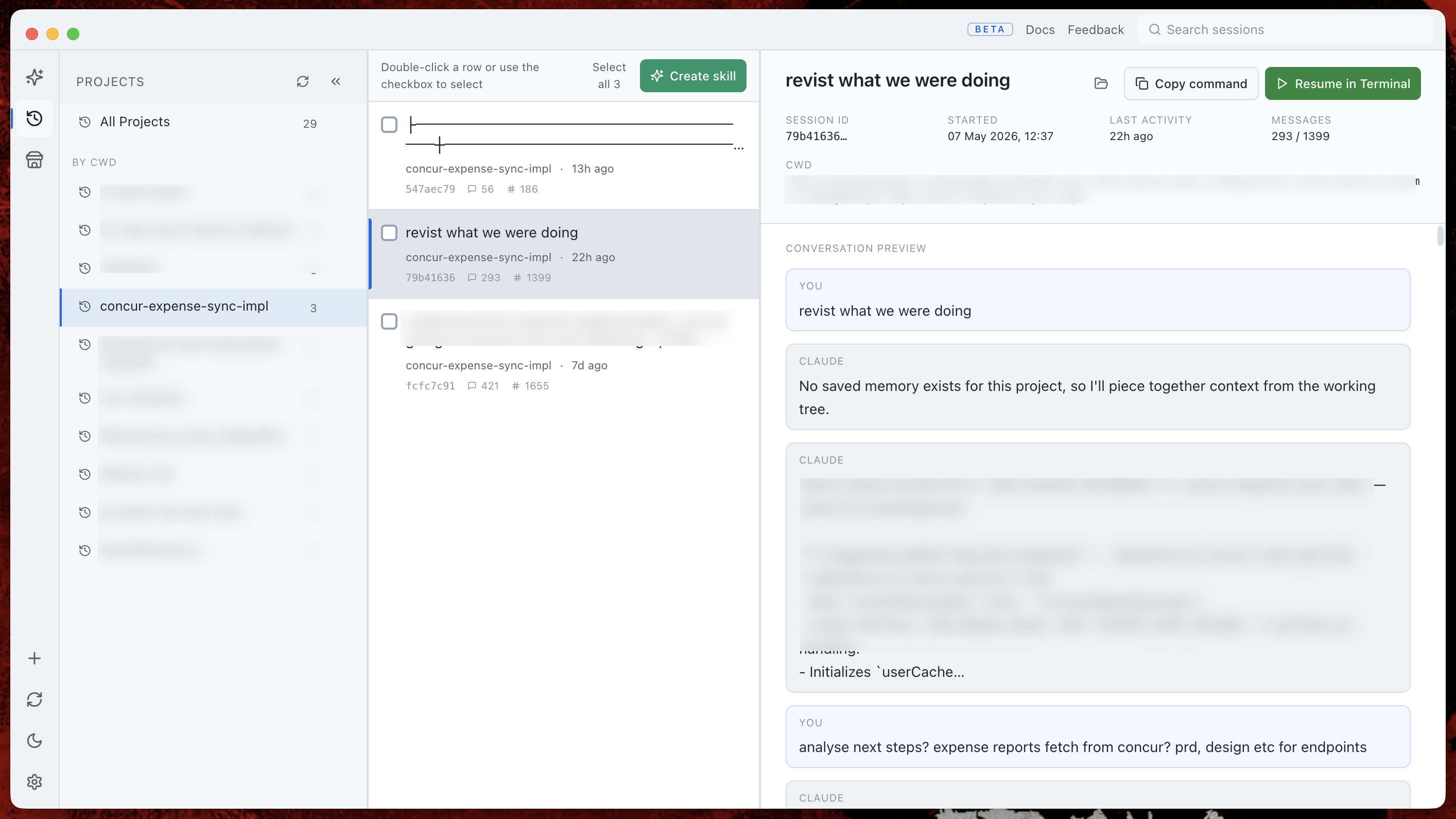
Distill from past sessions
Git-backed import & updates
Contribute back via PR
Plugin inspector & export
Test before you ship
From zero to deployed in minutes
Local file I/O. Your existing Claude gateway for AI features. No Skillbook server in between.
Author or import
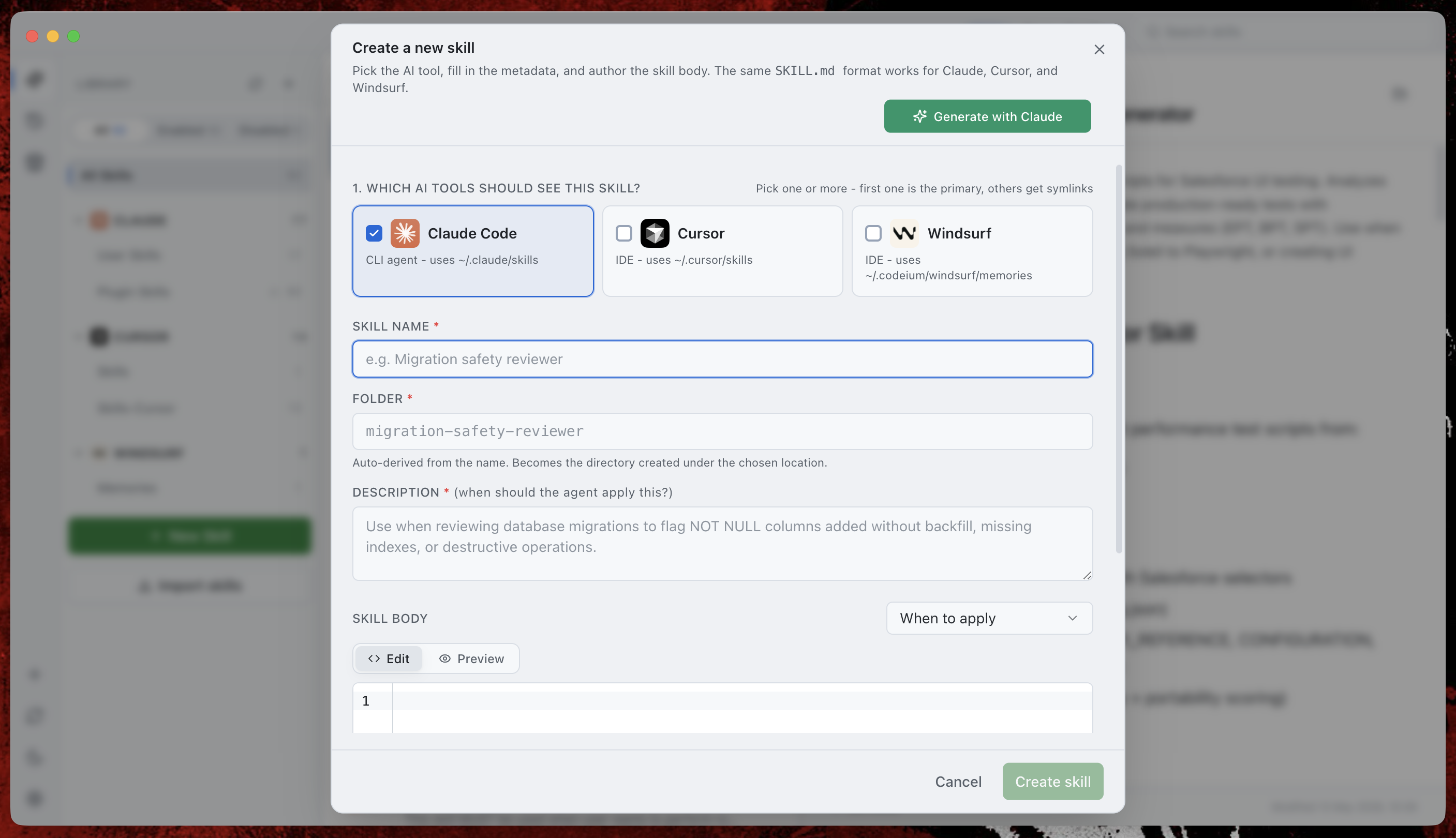
Use the new-skill dialog with templates and live Markdown preview, generate one with Claude, or import from any git repo.
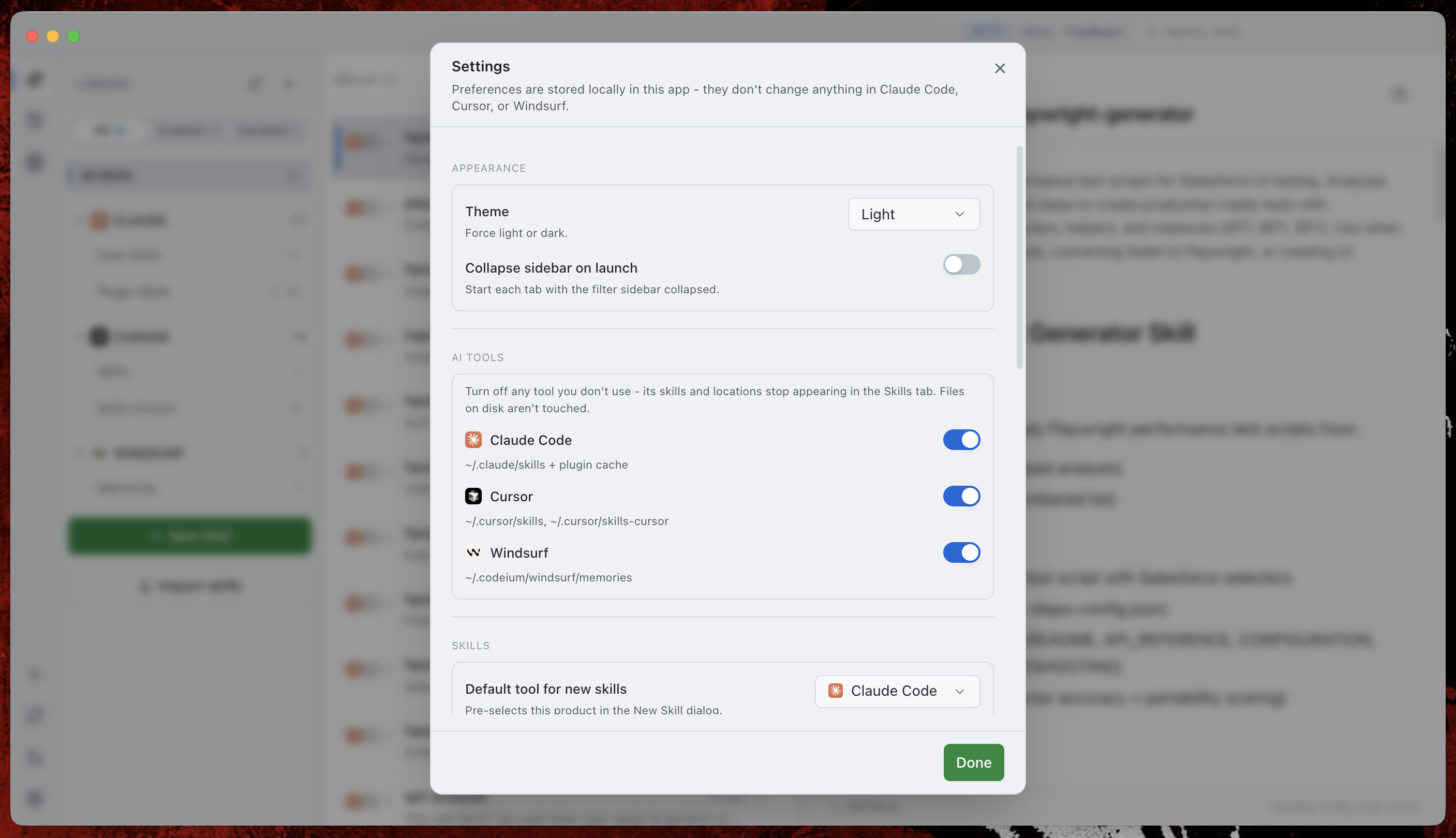
Pick your tools
Check Claude, Cursor, Windsurf - or all three. The first picked tool stores the real file; the rest get symlinks back to it.
Stay in sync
An Update pill lights up when the source repo moves. Click to preview the diff and apply. Snapshots make rollback one click.
Manage skills like code
Skills aren't files you copy around. Skillbook treats every imported skill as a tracked piece of a git repo - import, pull updates, push improvements back. Bidirectional, with snapshots.
Import from any repo
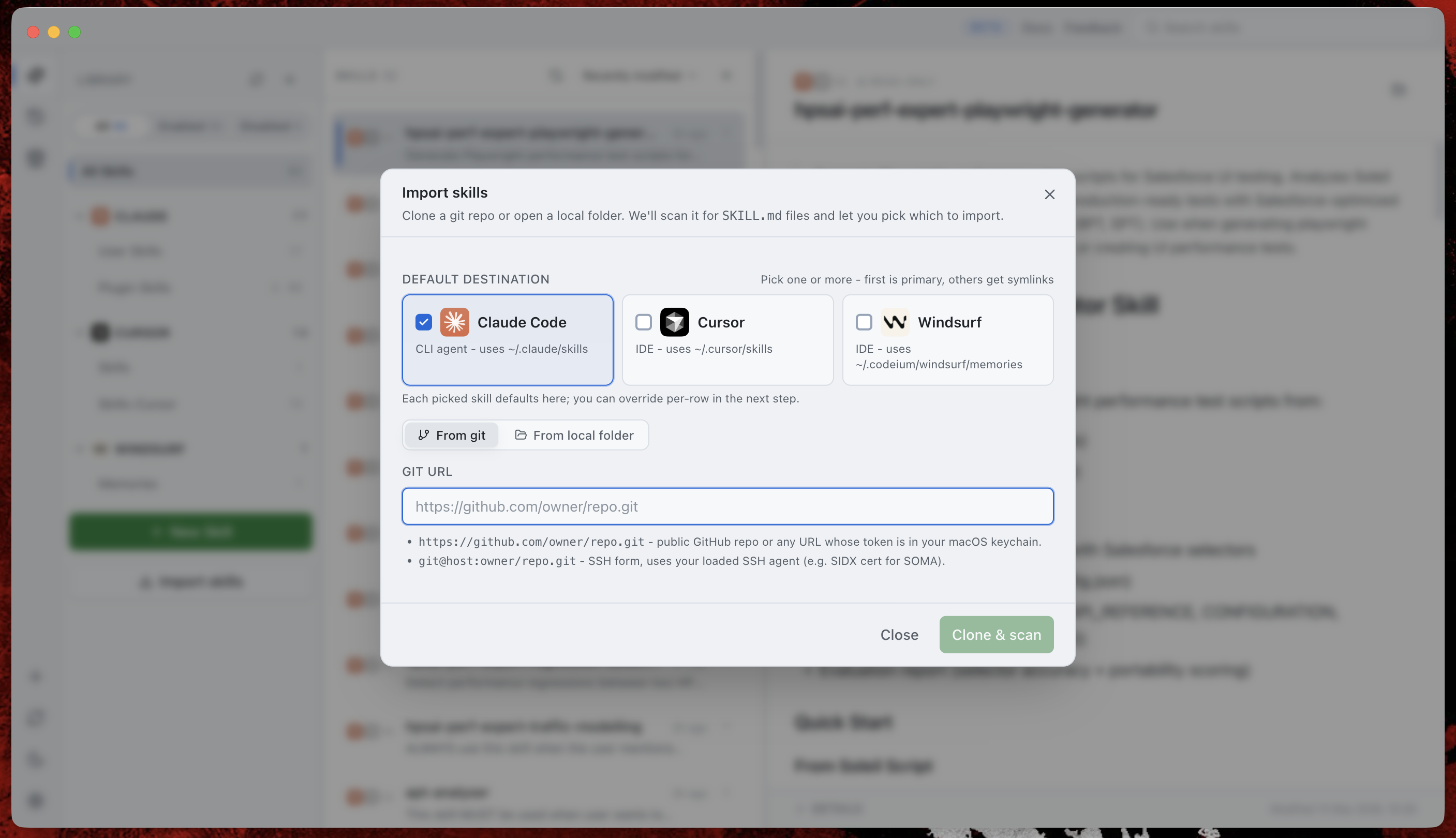
Paste a git URL or point at a local folder. Skillbook walks the tree, finds every SKILL.md, and lets you pick exactly which ones to keep and where they land - Claude, Cursor, Windsurf, or all three.
Pull updates with safety
Skillbook stores the origin SHA per skill and pings remotes for you. When upstream moves, a green Update pill lights up. Click to preview the diff and apply - your version is snapshotted first so rollback is one click away.
Contribute back as a PR
Edit locally. When you're ready, Skillbook checks out a fresh branch on the upstream remote, copies your changes, pushes, and hands you the compare URL. Never pushes to the default branch. No CLI ceremony.
Three steps to running
Skillbook is an unsigned beta, so macOS adds a quarantine flag. One command clears it.
Download the DMG
Pick Apple Silicon (M1 / M2 / M3 / M4) or Intel. Unsure? Open About This Mac - the "Chip" line tells you.
Trouble downloading? Get it from Google Drive.
Drag to Applications
Double-click the .dmg. Drag Skillbook onto the Applications shortcut.
Unblock the app
macOS quarantines unsigned downloads with a "Skillbook is damaged" or "can't be opened" error. Run this in Terminal once to clear the flag:
If you put it elsewhere, point the command at that location (e.g. ~/Downloads/Skillbook.app). Prefer no Terminal? Right-click Skillbook in Applications, choose Open, then click Open in the dialog.
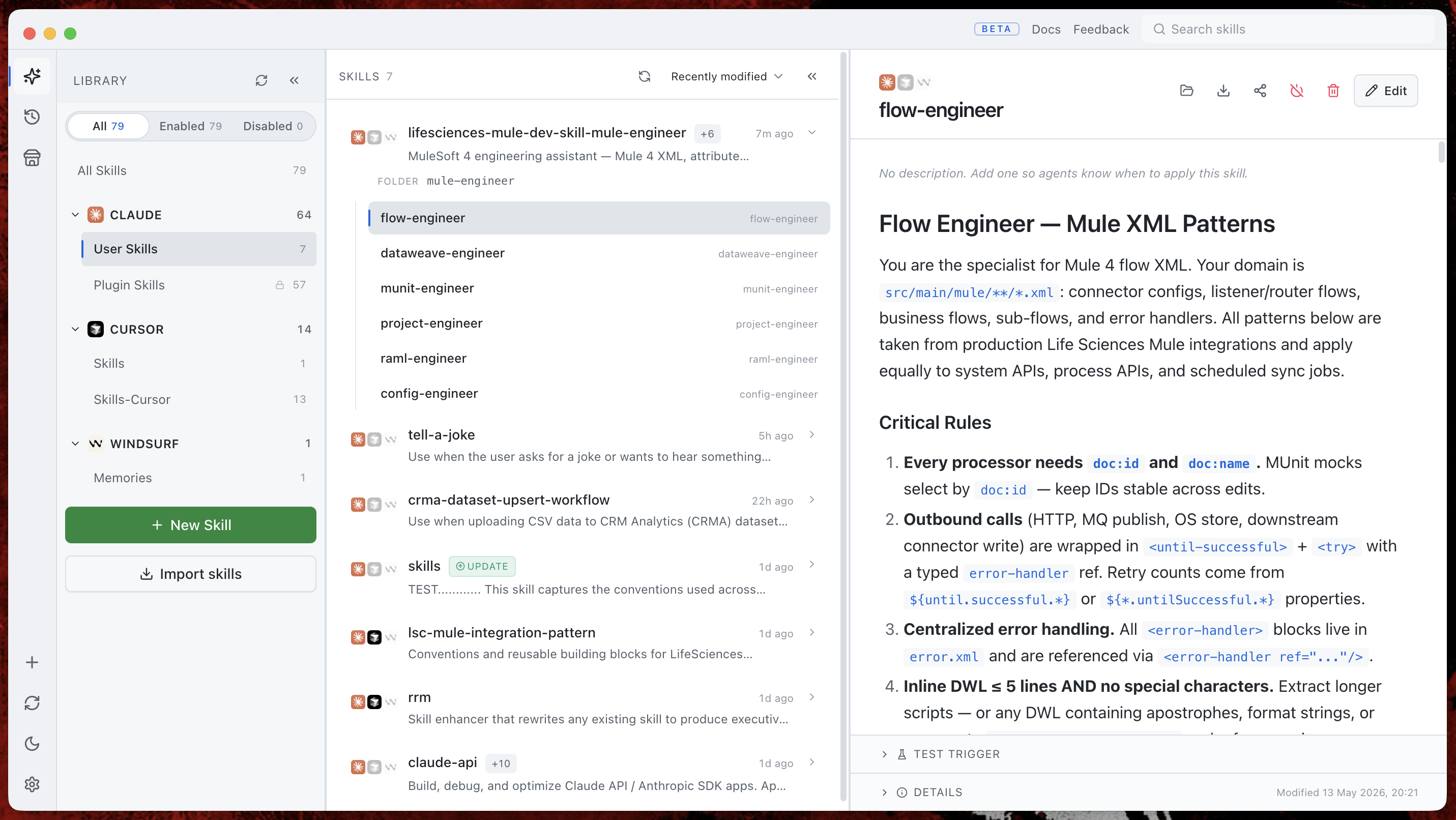
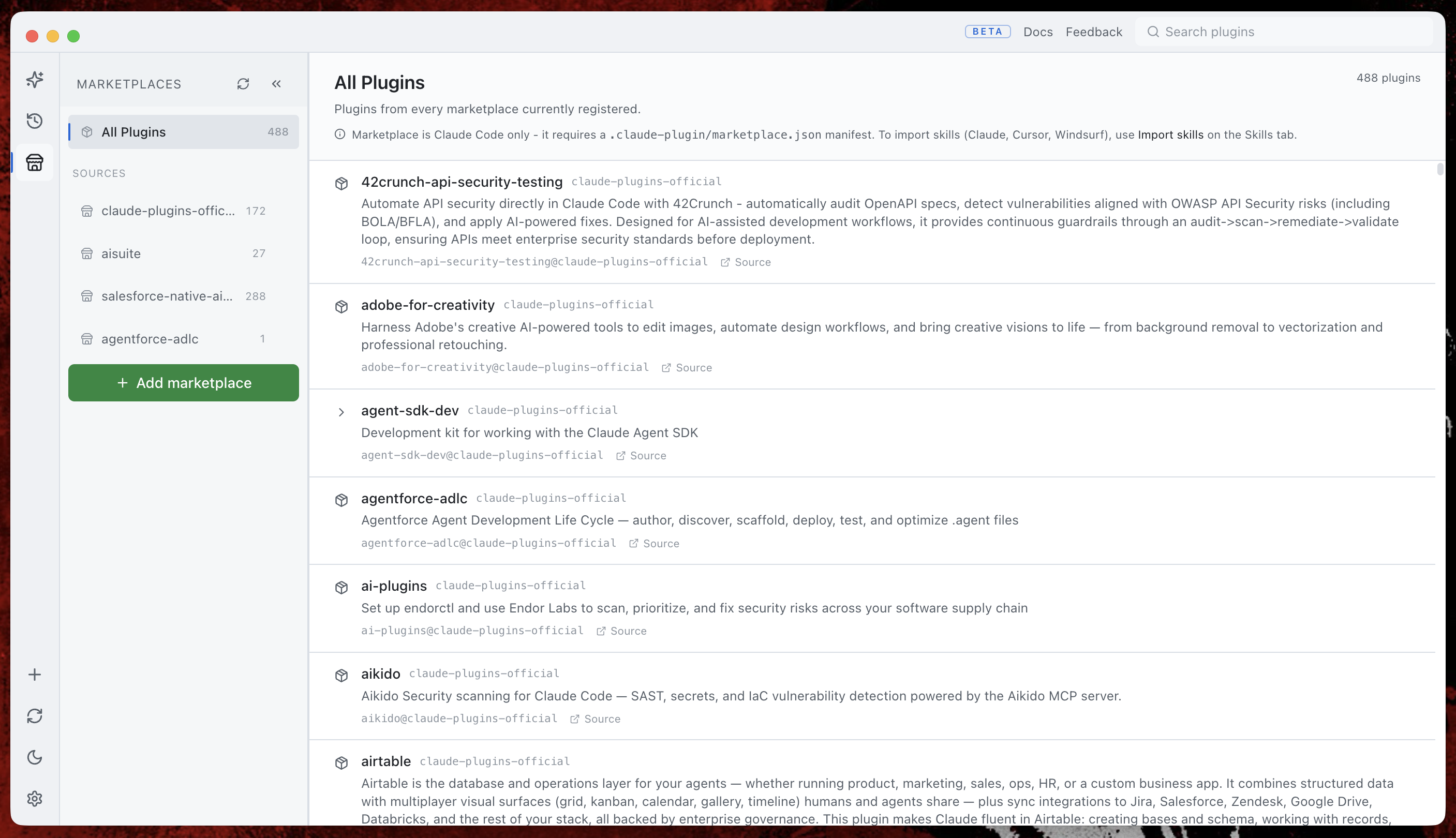
A clean three-pane workspace
Library on the left, list in the middle, detail on the right. Both side panels collapse when you need more room.
Ready to tame your skills folder?
Skillbook is in beta and free to use. Download the macOS build or browse the source on GitHub.